

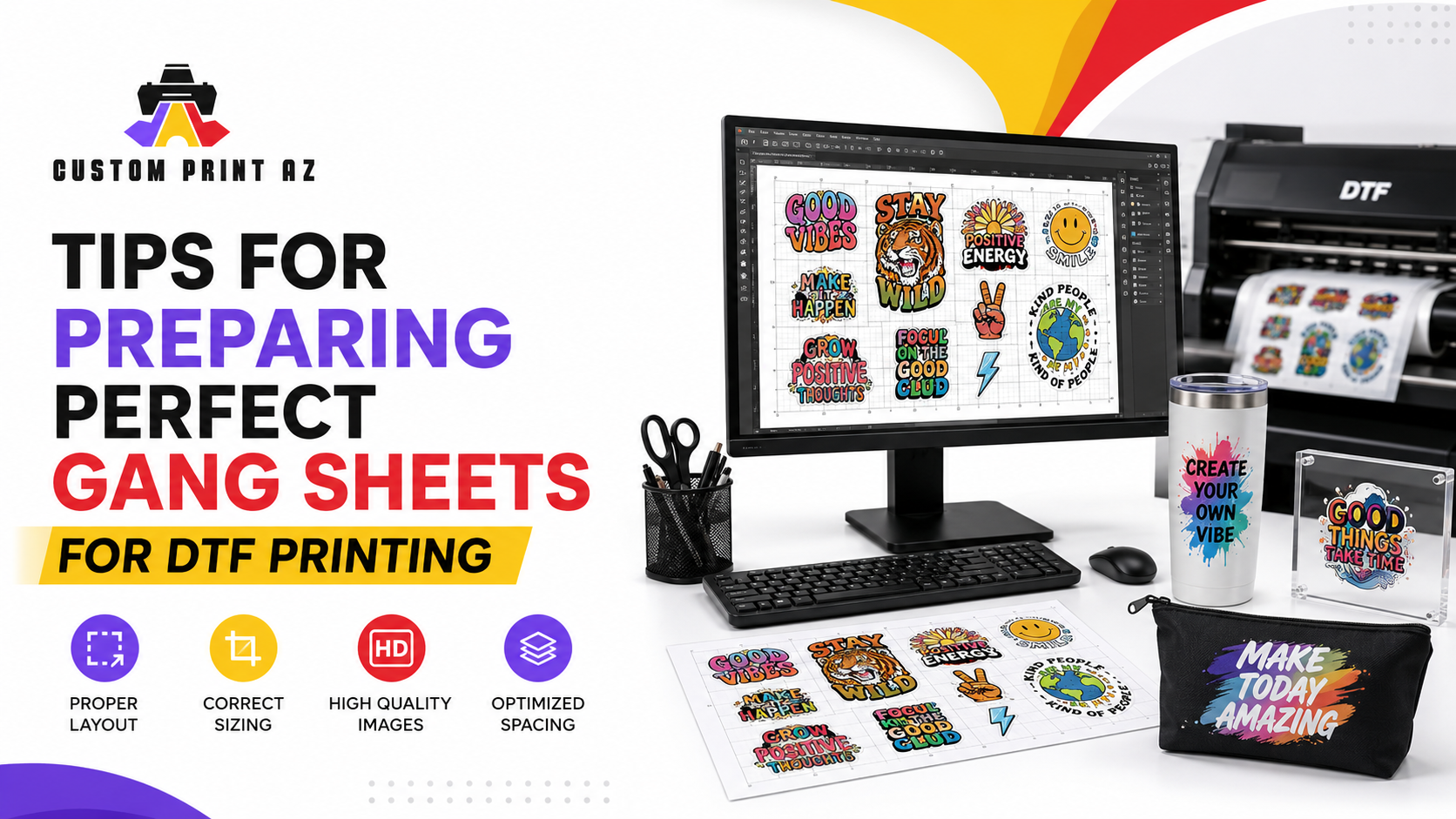
Tips for Preparing Perfect DTF Gang Sheet Printing
Preparing your artwork correctly is the most important step in the DTF Gang Sheet Printing process. When you use a gang sheet, you maximize your space and lower your costs.
If you are new to the world of custom apparel, you might wonder what this technique involves. A gang sheet allows you to place multiple designs on a single large transfer sheet.
This method is highly efficient for bulk orders. By filling every inch of the available space, you ensure that you get the most value for your money.
Why Quality Matters in DTF Printing Gang Sheet
The quality of your final product starts with your digital file. If your source image has low resolution, the print will look blurry.
Always aim for 300 DPI to maintain sharp details. You can learn more about image resolution and raster graphics on Wikipedia.
High-quality input ensures that your designs pop on every shirt. Poor files often lead to pixelated edges that ruin the professional look of your clothing.
Key Steps for Your DTF Gang Sheet Printing
First, choose the right software to arrange your images. Programs like Adobe Illustrator or free online tools are perfect for this task.
Next, ensure all your background layers are transparent. A solid background will print as a colored box around your artwork, which is usually not desired.
Check the spacing between each design element carefully. You need enough room to cut the transfers out easily after the printing is complete.
How to Order Your Prints
Once your file is ready, you can easily create your own gang sheet on our platform. Our system makes it simple to upload and organize your graphics.
If you have specific design needs, check out our full range of DTF transfers. We provide the best quality for your business needs.
Remember to double-check your dimensions before hitting the order button. Proper preparation prevents errors and speeds up the entire production workflow.
Pro Tips for Success
- Use a consistent color profile for all elements on your sheet.
- Group similar design sizes together to make cutting easier later.
- Always save your final file as a high-quality PNG with a transparent background.
Frequently Asked Questions (FAQ) DTF Gang Sheet Printing
What is the best resolution for DTF Gang Sheet Printing?
You should always use 300 DPI to ensure your prints remain sharp and professional.
Do I need a transparent background?
Yes, your PNG file must have a transparent background to avoid printing unwanted colored boxes around your art.
Why use a DTF gang sheet?
It maximizes your print area, reduces material waste, and significantly lowers your per-print production costs.


