




DTF - Transfers by Size
DTF - Transfers by Size
Important Artwork Guidelines
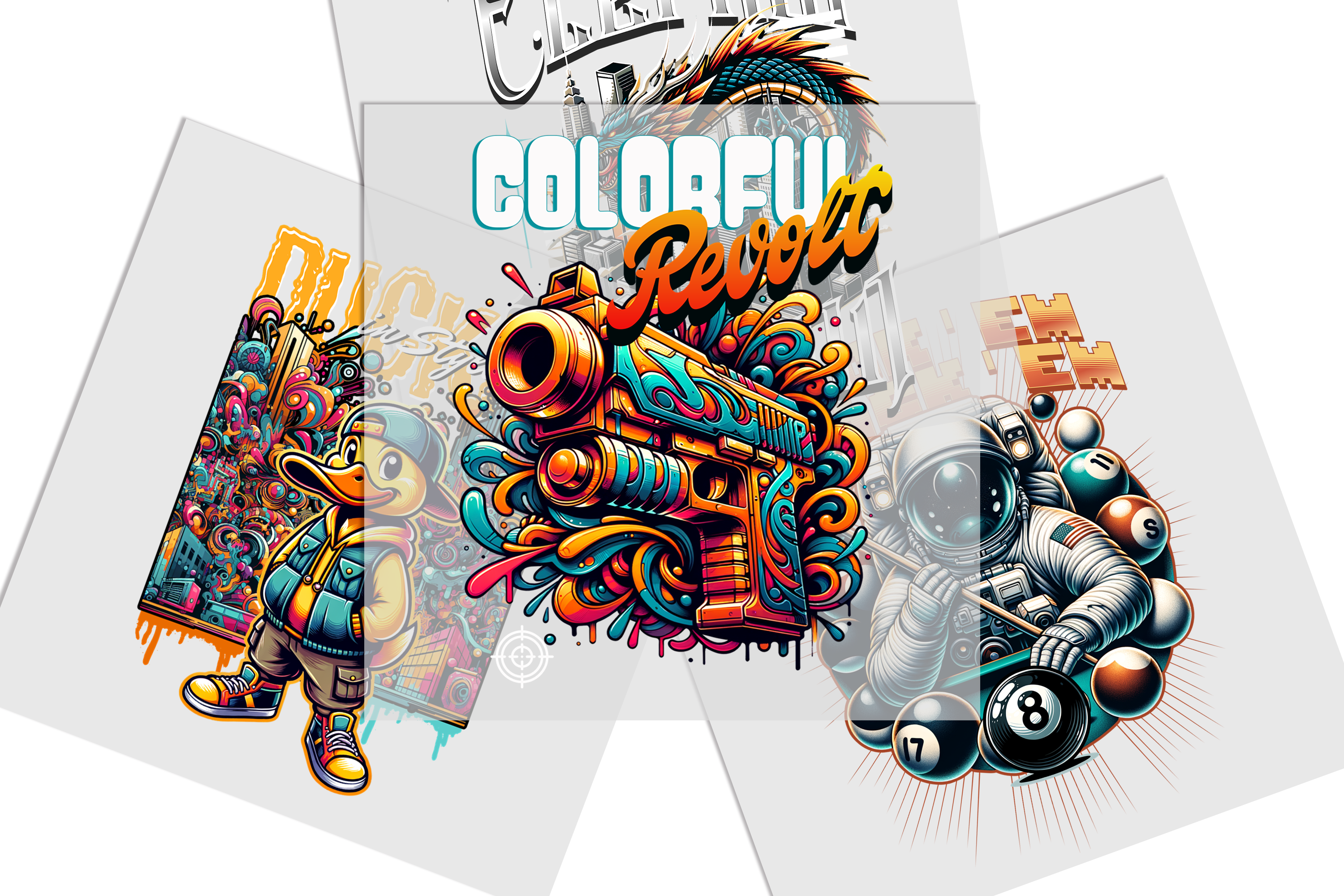
Please ensure your background is completely transparent. White backgrounds will print as white ink.
File resolution must be at least 300 DPI for a crisp, high-quality print.
No semi-transparent pixels or soft gradients. Edges must be hard and clean.
Couldn't load pickup availability
Description
Description
DTF – Transfers by Size lets you order custom, ready-to-press graphics according to the dimensions required for your apparel project. Upload your artwork, select the appropriate transfer size and quantity, then prepare your garments for heat-press application.
This option can be used for projects such as custom T-shirts, hoodies, sweatshirts, uniforms, tote bags, team apparel, workwear, event clothing, and branded merchandise. You can also browse DTF Transfers by Size when comparing available size-based ordering options.
Choose the Right DTF Transfer Size
Measure the usable print area of the garment before selecting a transfer size. Consider the intended placement, garment style, wearer size, and the proportions of the artwork.
- Small transfers: useful for compact logos, sleeves, labels, names, and smaller placements.
- Medium transfers: suitable for many front-print, youth apparel, tote bag, and general branding applications.
- Large transfers: commonly used for larger front graphics, back prints, hoodies, and statement artwork.
Leave adequate clearance around collars, seams, pockets, zippers, and garment edges. The final transfer dimensions should fit both the artwork proportions and the available pressing area.
Artwork Preparation
Prepare high-resolution artwork at the dimensions required for your order. Use clean edges, readable details, and a transparent background when the design requires an isolated graphic.
- Check artwork at the intended final print size.
- Review small text, thin lines, and fine details.
- Avoid enlarging low-resolution artwork.
- Confirm spelling, orientation, and proportions before submitting.
- Remove unintended backgrounds or unwanted design elements.
Garment and Application Planning
Before pressing, confirm that the garment material is compatible with the required heat, pressure, and application process. Garment construction and print placement can also affect the usable transfer area.
If you operate your own DTF production workflow, browse DTF supplies for printing workflows. For compatible hard-surface decoration rather than apparel, review UV transfers.
How to Order DTF Transfers by Size
- Measure the intended print area on the garment.
- Select transfer dimensions that fit the placement and artwork proportions.
- Upload your completed, print-ready artwork.
- Choose the required quantity.
- Review spelling, dimensions, orientation, and image quality.
- Submit the order after confirming the artwork and size selections.
Your transfer will be produced from the submitted artwork, so review the file carefully before ordering.
Need Help Choosing a Transfer Size?
For help with transfer sizing, artwork preparation, quantities, custom designs, or application planning, call (480) 250-4263, email info@customprintaz.com, or visit 3411 East Corona Avenue, Suite 108, Phoenix, AZ 85040.
Product Features
Product Features
Custom Sizes Available: Pick from a variety of sizes to perfectly match your design needs.
High-Quality Prints: Get bright, vibrant colors with sharp details that stay strong over time.
Works on Different Materials: Suitable for cotton, polyester, blends, and even unique surfaces like leather.
Easy to Use: Just press and peel – no extra steps like weeding or pre-treating required.
Soft and Comfortable Feel: Keeps your garments light and smooth, without any stiff or heavy texture.
Long-Lasting Results: Stands up to over 60 washes without fading or cracking.
Same-Day Shipping: Place your order by 3 PM CT, and we’ll ship it out the same day. While rare delays may happen during busy times or technical hiccups, we work hard to get your order out quickly.
Upload Recommendations
Upload Recommendations
Accepted File Types: We can work with a range of files, such as PNG, JPEG, PDF, SVG, and more. For the best print results, vector files like AI or SVG are ideal.
Image Quality: If you’re using raster files, make sure your design is at least 300 dpi to guarantee clear, crisp prints without blurriness.
Size Accuracy: Upload your design in the same shape and proportions as your chosen print size to avoid resizing issues.
Color Settings: Set your file to the CMYK color profile for vibrant and accurate colors in your prints.
File Prep Made Easy: Clean up your design by removing unwanted backgrounds and ensuring your artwork is polished for the best outcome.
Size Information
Size Information
When selecting a size like 4"x4", 2"x4", or 6"x6", your design needs to match the shape of the chosen size (square or rectangle). If the shape doesn’t match, we’ll resize your design to fit the longer side while keeping it proportional, so it won’t look stretched or distorted.
Example: If your design measures 11"x7" and you select a 4"x4" size, we’ll adjust the longer side (11") to 4". The shorter side will automatically resize to maintain the original proportions, which means it may not end up as exactly 4".
To avoid changes to your design’s size, upload a file that already matches the shape of your selected size. If the proportions don’t align, we’ll resize it for you, but the shorter side may be smaller than the size you chose.
Pressing Instructions
Pressing Instructions
- No Pre-Press Needed: Skip the pre-press unless preferred.
- Position Your Design: Place the transfer as needed. Use heat-resistant tape for hats or irons if necessary.
- Press: Apply medium pressure at 310°F (155°C) for 8 seconds. Use parchment paper to prevent heat damage if testing.
- Instant Peel: Peel immediately after pressing, starting from a corner for smooth application.
Satisfaction Guarantee
Satisfaction Guarantee
Your satisfaction is our priority. Here’s how we ensure you’re happy with your DTF transfers:
- Free Reprints: If there’s a quality or adhesion issue caused by us, we’ll reprint your order for free.
- Easy Support: Not satisfied? Reach out within 14 days of receiving your order, and we’ll resolve any concerns promptly.
We’re dedicated to providing top-quality transfers you’ll love, every time!
Refunds & Reprints
Refunds & Reprints
- 14-Day Guarantee: Reach out within 14 days of receiving your order for a refund or reprint.
- Quality Issues: We’ll reprint orders if the problem is due to our error, like print quality or adhesion issues. Reprints won’t be issued for low-resolution uploaded files.
- Other Concerns: Refunds or reprints for non-quality issues require management approval.
Your satisfaction matters to us, and we’re dedicated to delivering a product you’ll love!