

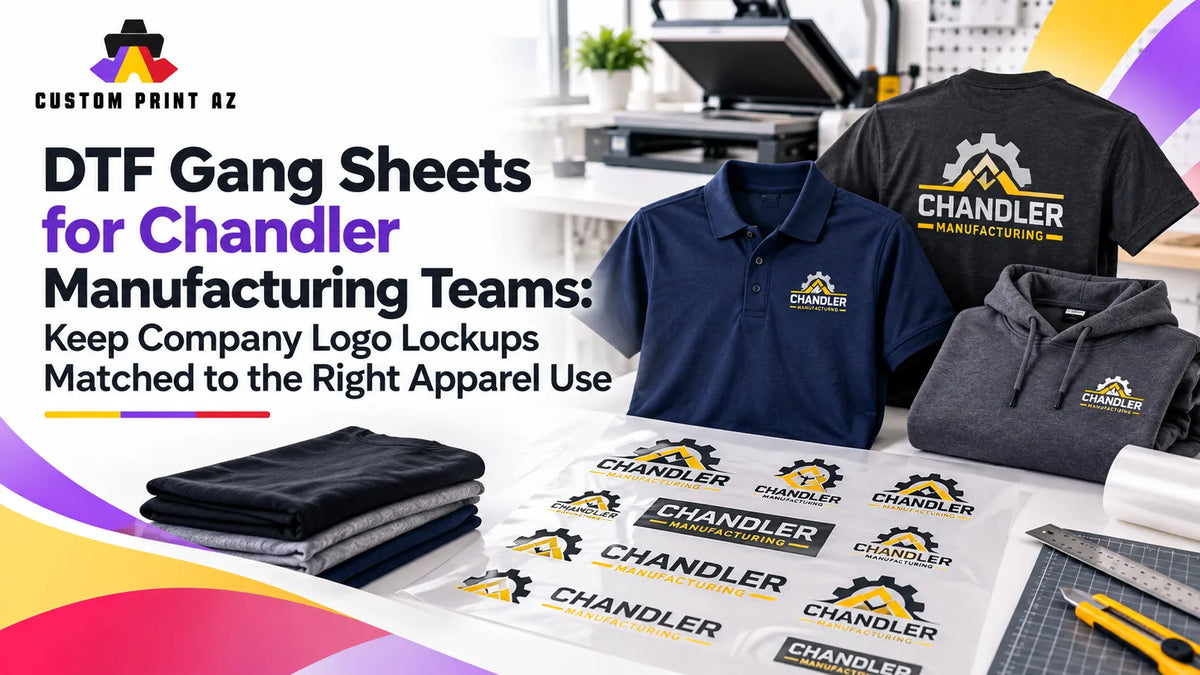
A company's logo library does not always contain one simple choice between a “right” logo and a “wrong” logo. The same corporate identity may include a horizontal logo, a stacked version, a symbol-and-wordmark combination, or another approved composition. Each file may be legitimate brand artwork, but that does not mean every version should automatically be treated as interchangeable for every apparel use.
This becomes important when a company prepares repeat apparel orders or multi-design DTF gang sheets. A compact lockup used for one application may differ from the composition selected for a larger back print. Another garment or apparel program may use a different approved version altogether.
Chandler provides a strong local context for this kind of B2B production planning. The City of Chandler's Advanced Manufacturing page reports that manufacturing represents about 20% of all jobs in the city and identifies major high-tech and manufacturing employers operating in Chandler, including Intel, NXP Semiconductors, Microchip Technology, Northrop Grumman, Avnet, and Rogers Corporation. That does not imply that any of those companies are Custom Print AZ customers or use a particular apparel workflow. It simply shows why repeat corporate identity and workforce-apparel production are realistic business scenarios in Chandler.
For that reason, DTF gang sheet planning may require more than confirming that the correct company logo is present. The production team may also need to answer a narrower question: Is this approved logo variation the composition intended for this specific apparel use?
An Approved Logo Is Not Automatically the Correct Apparel Lockup
Confirming that a file is current and approved is an important first step. Production still has another decision to verify: which approved version belongs in this particular application?
A company identity system may include a wide horizontal wordmark, a more compact stacked version, or a mark-and-name composition. All of those assets may represent the same organization, but their geometry and intended uses can differ.
That means production QA should not end with “Is this the company's real logo?” A second question matters: “Is this the logo composition that was selected for this garment, placement, or apparel use?”
The goal is not for a printer or production team to invent new brand rules. Only the company, artwork owner, or current production brief can establish which logo variation is approved for a given application. The production workflow should preserve that decision and connect it to the correct source file.
Build a Simple Logo Family List Before Production
When several company logo files live in the same folder, filenames alone may not provide enough clarity. Files named “logo-final,” “logo-new,” or “logo-v2” do not tell a production team what kind of composition each file contains or where it is intended to be used.
A simple internal logo family list can make those differences easier to see. Depending on the company's actual approved assets, the list might include:
- Horizontal lockup: A wider logo composition.
- Stacked lockup: A more compact or vertically arranged composition.
- Symbol plus wordmark: A version that combines a graphic mark with the company name.
- Alternate approved version: Another variation supplied for a specific approved use.
These categories are examples, not universal branding standards. Every company's identity system may be different. The practical purpose is simply to identify what each approved asset actually is before it reaches the gang sheet.
Connect Each Logo Asset to Its Intended Apparel Use
Knowing the name of the logo file is helpful, but production can be more reliable when the intended use is documented too.
A basic internal artwork record might include:
- Logo asset ID
- Logo composition or lockup type
- Approved artwork file
- Intended garment or placement use
- Active or inactive status
- Most recent verified production reference
This is not a formal apparel-industry standard. It is an internal organizational method that can make repeated company gang sheet orders easier to control.
The important limitation is that the production team should not invent the intended-use rule. That field should record information that has already been approved or supplied through the current artwork reference or production brief.
Do Not Treat Horizontal and Stacked Versions as Automatic Substitutes
Two approved logo versions can represent the same company without being automatic substitutes for one another.
A horizontal logo may have a wide composition. A stacked logo may fit more naturally into a narrow area. Even so, the choice should not be based only on which version appears to fit the available space better.
If the current approved reference calls for the horizontal lockup in a certain apparel application, switching to a stacked version simply because it looks more compact changes the selected brand asset. Likewise, the existence of a stacked version does not mean it should automatically be used for every smaller placement.
Geometry matters to production, but the approved artwork reference should remain the source of truth for which composition belongs in the job.
Separate Logo-Version Decisions From Placement Decisions
Logo lockup selection and print placement are related, but they are not the same production decision.
A team could choose the correct horizontal lockup and still need to verify its final transfer dimensions for a particular garment. The opposite can happen as well: the placement may be correct while the wrong company logo variation has been placed there.
Combining both checks into one generic “logo review” can make one of those errors easier to miss.
If artwork dimensions also need to be verified, review the difference between gang sheet design size and final transfer size as a separate production step.
Keep Active Production Assets Separate From Archived Logo Files
When company branding changes, older artwork does not necessarily have to be deleted. Historical files may still be useful for records or reference. The problem begins when archived artwork and current production artwork sit in the same working folder with no meaningful difference in status.
A simple company artwork structure can separate:
- Active production assets: Current approved files used as production sources.
- Archive or reference assets: Older files retained for documentation but not intended to flow automatically into new gang sheets.
The printer should not decide on its own which company logo becomes “active.” Current asset status should come from the artwork owner, company contact, or other verified information attached to the present production job.
The purpose of the folder structure is not to create branding policy. It is to prevent old and current files from being treated as equivalent production choices.
Do Not Use an Old Gang Sheet as the Only Source File for a Reorder
When a repeat order arrives, reopening the previous gang sheet may seem like the fastest way to rebuild the job. That older sheet can be useful as a reference, but it should not automatically become the only evidence for the current logo-lockup decision.
The previous production run may have been correct when it was created. Since then, the company's artwork set may have changed, another lockup may have become the current choice for that apparel use, or an older variation may have been moved out of active production.
For a reorder, compare the previous job with the current approved asset set before rebuilding the gang sheet.
If the artwork has changed since an earlier approval, an artwork revision and change-control workflow can help keep earlier production references separate from the current source file.
Lock the Gang Sheet Source Set Before Starting the Layout
Logo-version control becomes harder after multiple files have already been placed on the gang sheet. At a reduced layout size, two related company lockups may look similar enough that a mistaken variation is easy to overlook.
A cleaner sequence is to establish the production source set first:
- Identify the company apparel uses included in the current job.
- Confirm the approved logo composition for each use.
- Move only the active source files into the production set.
- Keep archived and alternate versions outside that active set.
- Build the gang sheet only after the source set is confirmed.
This order reduces the chance that a new branding decision is made accidentally during layout simply because another logo version appears to fit the available space better.
Review Near-Duplicate Logo Files at the Asset Level
Some approved logo variations may look very similar at first glance. The difference may involve wordmark spacing, the arrangement of the symbol and company name, or the overall orientation of the composition while the colors and general identity remain unchanged.
In that situation, thumbnail recognition alone may not be enough.
When practical, confirm several details together:
- Asset ID or filename
- Logo composition
- Intended apparel use
- Current active status
This changes the question from “Does this look like the company logo?” to “Is this the correct approved production asset?” That is a much more useful distinction when several legitimate logo files exist.
Recheck Final Print Size When the Logo Lockup Changes
A horizontal logo and a stacked logo can produce very different visual results even when both are assigned the same nominal width.
Changing the composition can affect height, aspect ratio, surrounding empty space, and the way the design feels at the final printed size. A dimension that worked for one lockup should not automatically be copied to another without a visual check.
This does not create a new brand rule. It is simply a production check triggered by a change in artwork geometry.
If an approved logo variation changes before the gang sheet is finalized, verify the final dimensions again rather than assuming the previous transfer size still produces the intended result.
Audit Logo Lockups on the Final Gang Sheet
Even a well-organized source folder cannot eliminate every layout mistake. The wrong asset can still be selected while the sheet is being assembled, so a short lockup audit before export is useful.
For each company design variation, check:
- Is the correct company identity being used?
- Is the correct approved logo lockup present?
- Does that lockup match the intended apparel use?
- Has an inactive or archived variation remained on the sheet?
- Are two different logo versions appearing for the same use unintentionally?
- If the lockup changed, were the final transfer dimensions checked again?
This review does not replace the company's brand-approval process. It checks whether the production sheet remains consistent with the approved source set that was provided for the job.
Check Quantities Only After the Correct Lockup Set Is Confirmed
A perfect quantity count built around the wrong logo variation still produces the wrong result.
Confirm the active logo-lockup set first. Then verify how many transfers are required for each final design.
If one apparel use changed from one approved logo variation to another, make sure the old version is not still included in the quantity count.
Once the source set is correct, a DTF gang sheet quantity audit can be used to verify the final design counts as a separate step.
Use a Short Company Gang Sheet Release Checklist
The final release review does not need to become a complicated approval process. A short checklist can catch the main production-asset issues:
- Has the current company logo family been verified?
- Is the intended lockup clear for each apparel use?
- Is the correct active production file being used?
- Are archived variations separated from the active set?
- Was an alternate logo accidentally introduced during layout?
- If the lockup changed, was the print size checked again?
- Was the quantity review completed using the correct artwork versions?
After those checks are complete, a finished gang sheet created outside the ordering workflow can move to the DTF gang sheet upload step.
Frequently Asked Questions
Can one company have more than one correct logo?
A company can provide multiple approved logo compositions. Which variations are actually current and approved should be confirmed through the company's artwork owner, production reference, or other verified source. A production team should not create its own logo hierarchy.
How should I choose between a horizontal and stacked logo?
Do not choose only according to which version fits the available space better. Follow the current approved artwork reference or production brief that identifies the intended composition for that use.
Should old company logo files be deleted?
Not necessarily. Older files may be retained for historical or reference purposes. Separating inactive artwork from the current production set can reduce the risk of an outdated variation being placed on a new gang sheet.
Can I reuse the previous gang sheet for a repeat order?
The previous sheet can be a useful reference, but it should not be the only evidence that the logo assets are still current. Verify the active company artwork set before rebuilding repeat production.
Should transfer size be reviewed again if the logo lockup changes?
Yes. Different logo compositions can have different aspect ratios, heights, and visual balance. When the approved lockup changes, review the final print dimensions again before production.
A Company Gang Sheet Should Carry More Than the Right Brand
Chandler's manufacturing environment makes repeat company apparel a realistic B2B production scenario, but every legitimate company logo file should not automatically be treated as an interchangeable asset.
Confirm the current logo family first. Then identify the approved lockup for each apparel use, separate archived files from the active production set, perform an asset-level check during gang sheet assembly, and confirm quantities only after the correct artwork set is established.
That way, the company gang sheet does more than carry the right brand. It carries the right production asset for each intended apparel use.


