

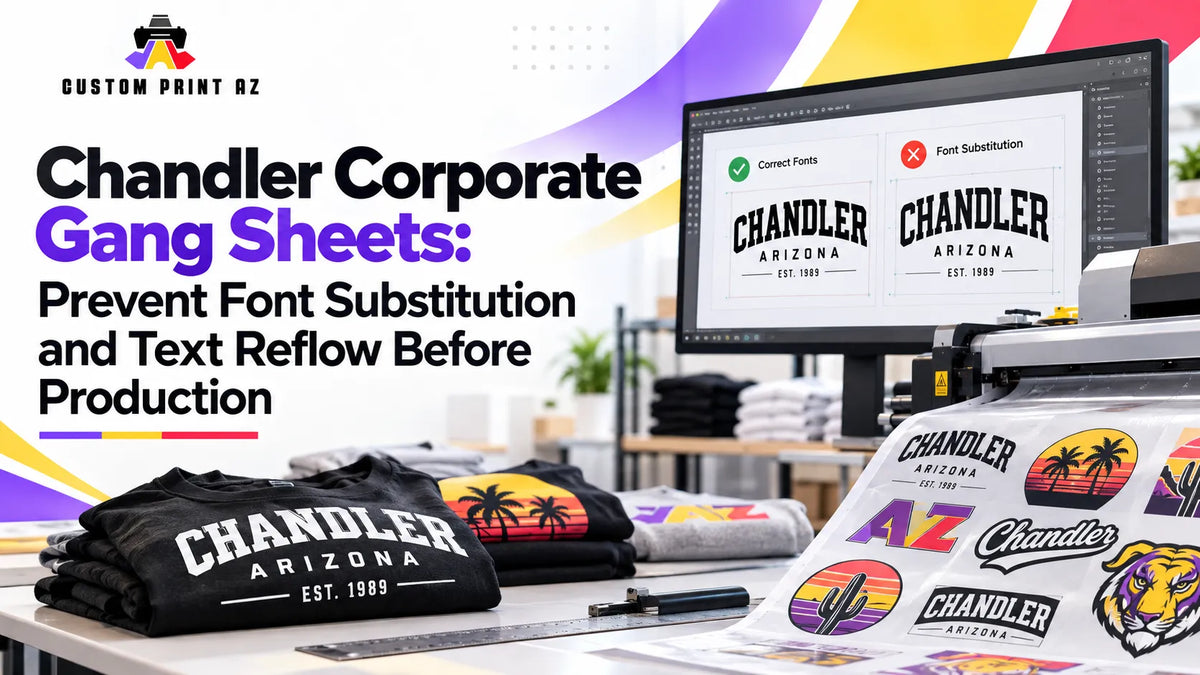
A corporate apparel design can contain the correct logo, the correct department name, and the correct campaign wording and still change before it reaches production. The problem is not always that someone selected the wrong file. Sometimes the right editable artwork is opened on another computer or in another application, and the text no longer renders the way it did when the design was approved.
This risk matters primarily when artwork still contains editable text that depends on a font being available in the production environment. If that font is missing or replaced, line breaks, spacing, text-box dimensions, and the relationship between text and surrounding graphics may change. For that reason, a corporate DTF gang sheet workflow should ask one question after confirming the correct file: Does this production file still look the way the approved artwork was supposed to look?
That question fits Chandler's corporate environment naturally. According to the City of Chandler's Employment & Business Districts data, the city's five designated employment and business districts account for 99,080 jobs based on the Maricopa Association of Governments 2025 Employer Database. Price Corridor alone accounts for 41,620 of those jobs. The city also describes office and corporate-campus environments within that district. That does not mean any specific Chandler company uses this workflow or works with Custom Print AZ. It simply makes multi-team corporate artwork handoffs a realistic local production scenario.
The Right File Does Not Always Guarantee the Right Appearance
File names, version numbers, and approved folders are useful controls. They help answer whether the team is working from the intended artwork. But they do not automatically confirm that editable text is rendering correctly on the system being used for production.
Imagine that a marketing team approves a shirt graphic and sends the working file to another employee who is preparing the production sheet. The logo still looks correct. The filename has not changed. The wording is still technically the same. But one of the fonts used in an editable text element is not available on the second computer.
Adobe's official guidance on missing fonts in Illustrator explains that unavailable fonts may need to be added or replaced and that some missing fonts may be substituted with a default font.
This issue should not be generalized to every image file. Artwork that has already been converted into fixed graphic elements does not carry the same editable-font dependency. The additional check is most relevant when the active production artwork still relies on live or editable text.
Identify Artwork That Still Contains Editable Text
Not every corporate graphic carries the same text-rendering risk. A flattened image or artwork made from fixed graphic elements behaves differently from a working file that still contains editable text.
Before gang sheet assembly, identify designs that depend on editable wording such as:
- Department names: Marketing, operations, customer support, engineering, or another business unit.
- Campaign or program wording: Short phrases associated with a launch, initiative, recruiting effort, or internal program.
- Team or employee roles: Role labels when they appear as editable elements in the design.
- Taglines or supporting copy: Text positioned around a company mark or other graphic element.
- Event-specific wording: Dates, event names, or temporary messaging added to an otherwise reusable design.
This is not a typography standard. It is simply a way to identify which production files deserve an additional rendering comparison before they are placed on the sheet.
Keep an Approved Visual Reference
If a design has been approved, relying only on the editable source file can make later comparisons difficult. If that file opens differently on another system, the person preparing production may not remember exactly how the text looked when approval happened.
A separate visual reference can solve that problem without replacing the editable artwork.
- Editable production artwork: The active file that will ultimately supply the design used for production.
- Approved visual reference: A fixed reference showing how the approved composition was expected to look.
The visual reference is not automatically the production master. Its job is comparison. It gives the production team a stable answer to a simple question: “Is the editable file still displaying the approved composition?”
Check the Visual Result, Not Only the Font Name
Knowing which font was originally used is useful, but production QA should focus on what happened to the artwork as a whole.
If an editable text element opens with a missing-font warning or appears different from the approved reference, compare the actual composition instead of assuming that a visually similar replacement is harmless. Different character widths and spacing can change the way text fits inside the design.
During that comparison, check questions such as:
- Are the line breaks still the same?
- Did a one-line phrase move onto two lines?
- Did the text box become wider or taller?
- Did the text move closer to a logo or another design element?
- Did the overall width of the lettering change the visual balance?
- Does the text still fit comfortably inside the intended artwork area?
The goal is not to decide which font looks better. The creative decision has already been made. The goal is to preserve the approved appearance.
Separate Text Reflow From an Actual Artwork Revision
Text can look different for two very different reasons. Someone may have intentionally edited the wording, or the wording may be identical while the software renders it differently.
Those situations should not automatically enter the same workflow.
If the wording itself has changed, the project may need a broader artwork revision and change-control workflow. A new department name, corrected date, updated campaign phrase, or other intentional content change is a real revision.
Text reflow is different. For example, “Customer Success Team” may still contain exactly the same words but wrap onto two lines because the production environment is not displaying the original font as expected. The message has not changed, but the approved composition has.
Distinguishing those two problems keeps the team from treating an unexpected rendering issue as if it were an approved design change.
Resolve Text Problems Before Gang Sheet Layout
The gang sheet should not become the place where unresolved typography problems are discovered and repaired.
A cleaner sequence is:
- Open the approved visual reference.
- Open the active production artwork in the environment being used for production.
- Check for missing-font, replacement-font, or related warnings when editable text is present.
- Compare line breaks, spacing, text boxes, and surrounding graphic relationships.
- Resolve any unexplained difference before layout begins.
- Confirm the production-ready copy.
- Only then place that artwork on the gang sheet.
This separates artwork integrity from sheet assembly. By the time the design reaches layout, the production team should be arranging an already-verified design rather than deciding how the design was supposed to look.
Do Not Try to Repair the Problem With a Screenshot
A screenshot can be useful as a visual reference because it can show what someone previously approved. It should not automatically become a substitute for the real production artwork.
Re-exporting, enlarging, or resaving a screenshot does not restore editable artwork or resolve a missing-font condition inside the production source. It simply creates another image based on the screenshot.
This distinction also keeps this workflow separate from source-file provenance. Here, the team is assumed to already know which source file is legitimate. The question is whether that legitimate source still renders correctly in the production environment.
Recheck Final Dimensions if Text Reflow Changed the Geometry
A text-rendering change can alter the physical footprint of a design. Wider lettering can expand the composition horizontally. A new line break can make it taller. Changed spacing can shift the relationship between text and other graphic elements.
After the rendering issue is corrected, review the artwork dimensions again rather than assuming the previous geometry is still valid. The separate guide to gang sheet design size and final transfer size can help keep that measurement check distinct from the text-rendering review.
The goal is not to shrink text simply to make it fit. First restore the approved composition. Then verify that the resulting artwork still fits the intended production dimensions.
Review Each Corporate Variation Separately
A corporate gang sheet may contain several designs built from the same visual system. One may identify a department, another a program, and another an event. They can look nearly identical while containing different text objects.
One version opening correctly does not prove that every related file will render correctly. Different artwork files may contain different editable text elements or may have been created through different editing steps.
A simple internal review record might track:
- Artwork ID or clear filename
- Intended use
- Editable text area, if present
- Approved-reference comparison status
- Font or reflow issue found or not found
- Production copy selected for the sheet
This is an internal production-control method, not a formal industry requirement. Its value is simply that near-identical corporate variations can be verified individually instead of being assumed to behave the same way.
Perform One Final Render Check on the Composite Gang Sheet
Individual artwork verification reduces risk, but the completed sheet still deserves a short visual review. An older copy or the wrong variation can still be selected during layout.
Before release, check:
- Is the intended corporate artwork variation on the sheet?
- Does the department, program, or event wording match the approved reference?
- Has an unexpected line break appeared?
- Has any text moved into another graphic element?
- Is an older differently rendered variation still present?
- If the composition changed during correction, were the final transfer dimensions checked again?
Once the production artwork and final composite have been reviewed, a finished sheet prepared outside the ordering workflow can move to the DTF gang sheet upload step.
Frequently Asked Questions
If the filename and version are correct, why do I need another visual check?
Because an editable source file can still display differently on another system if a required font is missing or replaced. File identity and visual rendering are two separate production checks.
Does font substitution only change the style of the letters?
Not necessarily. Different fonts can have different character widths and spacing, which may affect line breaks and the surrounding layout. The production appearance should be compared with the approved visual reference.
Does every artwork file have this font-substitution risk?
No. The issue is most relevant when the production artwork still contains editable text that depends on a font being available. Artwork that has already been converted into fixed graphic elements does not carry the same editable-font dependency.
Is this a typography or brand-guideline workflow?
No. This workflow does not decide which font a company should use. It verifies whether artwork that has already been approved still displays the intended text appearance when it reaches production.
Does text always need to be converted to outlines before production?
This article does not establish a universal rule that all text must be converted to outlines. File preparation should follow the requirements of the artwork owner, the design workflow, and the applicable production process. The key check here is whether the production copy matches the approved visual appearance.
Carry the Approved Appearance Into Production
Corporate artwork handoff problems are not limited to wrong logos, outdated filenames, or incorrect versions. An editable production file can reach another workstation and display differently because the text environment has changed.
Identify artwork that still contains editable text, keep a stable approved visual reference, compare the production rendering before sheet assembly, resolve unexplained font or text-flow differences before the design enters the layout, and perform one final visual check on the completed gang sheet.
That way, the production workflow carries more than the correct file forward. It carries the approved appearance forward too.


