

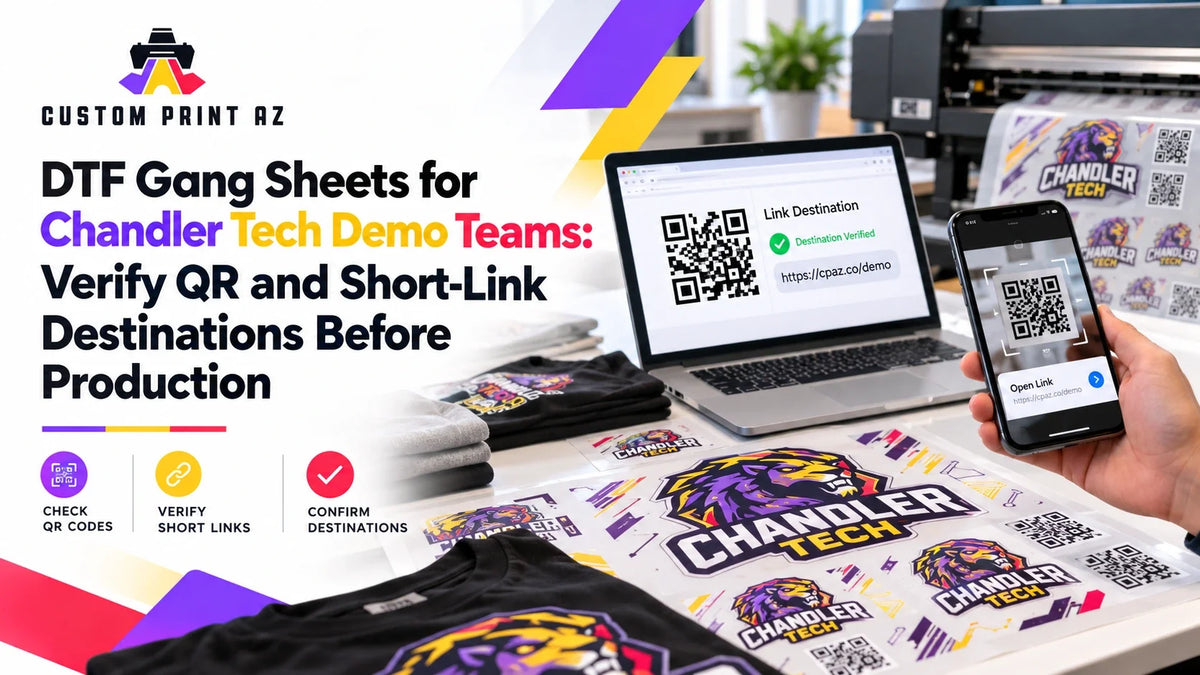
A QR code can look completely correct inside an apparel design and still be wrong for production. The code may scan successfully while sending visitors to an outdated product page, an old demo landing page, a staging environment, or another destination that was never intended for public use.
That is why a QR code or short URL inside a DTF gang sheet needs more than a visual artwork check. Before production, the digital destination itself should also be verified. The key question is simple: When someone uses this code, does it actually send them where the demo team intends them to go?
Chandler provides a natural setting for this type of workflow. The City of Chandler's Chandler Innovation Fair is scheduled for Feb. 20, 2027, with more than 160 hands-on exhibits involving local innovators, technology companies, artists, and students. Exhibitors are responsible for bringing the equipment and materials needed for their exhibits. Chandler's Price Corridor also represents a major high-technology employment center, with 783 businesses and 41,620 jobs. None of this means that specific exhibitors or Chandler employers use QR-enabled apparel or work with Custom Print AZ. It simply makes public-facing technology demonstrations a realistic local business scenario.
A QR Graphic and Its Destination Are Two Different Things
The QR code visible inside the production artwork is a graphic element. The destination that opens after someone scans it is a separate digital asset. Treating those two things as one approval decision can leave an important gap in the production process.
An apparel design may have been approved days or weeks earlier. At that time, the QR code may have opened the correct page. By the time the gang sheet is ready for production, however, the web team may have changed the launch page, redirected a short URL, retired an earlier demo page, or replaced a temporary destination with a public one.
For that reason, artwork approval and destination approval should be treated as separate checks:
- Artwork check: Is the intended QR graphic or short URL present in the correct design?
- Destination check: Does that QR code or short link currently open the approved public destination?
A design should not move forward simply because the QR image looks familiar or the filename includes the word “final.” The actual destination needs to be checked.
Identify Every Design That Contains a Digital Destination
Not every design on a gang sheet needs this additional review. Start by identifying the artwork that connects a physical garment to a digital destination.
That may include:
- product-demo graphics containing a QR code,
- event apparel displaying a short URL,
- artwork linked to a product or program landing page,
- designs pointing to public demo information,
- registration or signup links,
- and artwork directing visitors to an approved contact or information page.
The purpose is not to create a complicated classification system. It is simply to prevent link-bearing artwork from moving through the same review path as graphics that contain no digital destination at all.
Identify Who Owns the Destination Decision
The production team should not have to guess where a QR code is supposed to lead.
Depending on the project, the destination may be controlled by a product-marketing team, website manager, event organizer, program owner, or another internal contact. Before the artwork is released, someone connected to the project should be able to confirm the intended destination.
Useful questions include:
- What exact page should this QR code or short URL open?
- Who can confirm that destination?
- Is this the final public URL?
- Is there a separate preview, staging, or internal version?
- If the destination changes, who is responsible for confirming the new target?
This is not a web-development standard. It is a production-control step that keeps the print team from making a digital-content decision on someone else's behalf.
Open the Destination Instead of Trusting the Artwork Label
A file called “final-qr.png” does not prove that the destination is final. A short URL that looks familiar does not prove that it still leads to the correct page.
Before production release, open the destination itself.
The check should go beyond asking whether a page loads. Confirm that the page is actually the one intended for the current demo, product, program, or public-facing use.
For example, a Chandler technology demo might intentionally direct visitors to a product-information page. Another project may use a public program page or an approved demonstration landing page. The production team does not need to judge whether that page is good marketing. It only needs to confirm that the approved destination and the destination that actually opens are the same.
Do Not Confuse a Working Page With the Intended Public Page
Technology teams often work with draft, preview, internal, or staging pages before a public launch. A URL can technically work without being the correct destination for public-facing apparel.
That distinction matters because apparel may remain in use after a presentation or demo setup changes. A link that was useful inside the project team may not be the page that should be presented to customers, attendees, or other members of the public.
The print-production team should not decide whether a page is ready for public release. Instead, the project owner should confirm which destination has been approved for the final artwork.
The relevant question is not simply, “Does this URL open?” It is, “Is this the destination the project owner approved for this public-facing design?”
Check the Final Target Behind a Short URL
Short URLs deserve their own destination check because the visible address and the page ultimately reached by the visitor are not necessarily the same thing.
A short link may continue to work even after its redirect target has been changed. That can be useful when redirects are managed intentionally, but it also means that an unchanged apparel design does not guarantee an unchanged digital experience.
Before production, follow the short link all the way to its final destination. Confirm that the final page is the page approved for the current project.
This leads to one of the most important principles in the workflow:
Artwork correctness does not automatically mean destination correctness.
Recheck Approval if the Destination Changes
If the digital destination changes before production, determine whether the artwork itself must change as well.
In some workflows, an intentionally managed redirect may allow the visible QR code to remain unchanged. In other cases, a new destination may require a different QR graphic or a revised visible URL.
The production team should not guess which case applies. The person responsible for the artwork or destination should confirm which version is current.
If the production artwork itself changes, use an appropriate artwork revision and change-control workflow so that the previous QR version does not accidentally remain active alongside the replacement.
Remove Duplicate or Outdated QR Versions From the Active Source Set
A demo project may generate several nearly identical QR graphics during development. One might point to an early landing page, another to a registration page, and another to the final public product page.
If all of those files remain together in the active production folder, a person building the gang sheet may select the wrong version even though every file appears visually similar.
A simple internal record can help distinguish them:
- artwork name or ID,
- QR code or short URL included in the design,
- approved final destination,
- destination owner or approving contact,
- date the destination was checked,
- and current production status.
This is not a formal industry requirement. It is simply a practical way to avoid relying on filenames or visual similarity when several link-bearing assets exist.
Check the Destination Again After the Gang Sheet Is Assembled
Even when the source artwork has been verified, the wrong variation can still be placed into the final layout. That is why link-bearing artwork benefits from one final destination check after the composite gang sheet has been assembled.
Review questions can include:
- Is the QR code on the sheet the intended version?
- Does it still open the approved destination?
- Did an older test or demo QR return during layout?
- Are two visually similar versions with different destinations present by mistake?
- Does the final sheet match the latest information provided by the destination owner?
This does not replace physical print-quality review. It adds a separate functional check between the printed graphic and the digital experience attached to that graphic.
Keep Scannability and Destination Integrity Separate
A QR code can have the correct destination and still perform poorly as a physical code. The reverse is also true: a QR code can scan easily and lead to the wrong page.
Those are two different production questions:
- Scannability: Can the code be read successfully in its physical application?
- Destination integrity: Does the code lead to the approved digital destination?
This workflow focuses on the second question. It does not establish universal QR dimensions, scanning distances, contrast formulas, or garment-placement rules.
Keeping the two checks separate prevents a successful scan test from being mistaken for proof that the underlying destination is correct.
Separate QR Versions That Point to Inactive or Superseded Destinations
A demo project can produce multiple versions of the same artwork connected to different QR codes or short-link destinations. After one destination has been replaced, leaving older versions inside the active source set can cause the wrong link-bearing artwork to return during a future layout.
The purpose here is not to classify artwork as temporary versus evergreen. The control is narrower: Does this version still point to the currently approved destination?
If a QR code leads to an old test page, a staging destination, a superseded public page, or another target that is no longer approved, separate that artwork from the active production set. The older file can still be archived when necessary, but it should not remain indistinguishable from the version that contains the current destination.
Use a Short Destination Checklist Before Production Release
- Identify every artwork file containing a QR code or short URL.
- Confirm the owner or approval source for each destination.
- Open the actual destination before production.
- Verify that it is the intended public page.
- If a short URL is used, follow it to the final redirect target.
- Separate old or superseded QR versions from the active source set.
- If the artwork changes, run the appropriate revision check again.
- Verify link-bearing artwork once more on the final composite gang sheet.
Once the artwork and its digital destination have both been confirmed, the finished sheet can move to the DTF gang sheet upload step when appropriate.
Frequently Asked Questions
If a QR code scans successfully, is it ready for production?
Not necessarily. A successful scan shows that the code can be read, but the destination still needs to be checked. The page that opens should match the final public destination approved for the project.
Why should I check the final destination if a short URL already works?
Because a short URL may continue to function even if the page behind its redirect has changed. The important production check is the page the user ultimately reaches.
Does changing a QR destination always require new artwork?
No. The answer depends on how the destination is managed. In some cases an existing code may continue to be used with an intentionally managed redirect; in other cases a new QR graphic may be required. The production team should use the version confirmed by the artwork or destination owner rather than guessing.
Does this workflow determine the ideal printed size for a QR code?
No. This article focuses on destination integrity rather than physical scannability or minimum-size standards. Those are separate production considerations.
Why check the destination again after the gang sheet is complete?
Because the correct source folder does not prevent someone from placing an older or incorrect QR variation into the final layout. A final destination check helps confirm that the artwork being produced is still connected to the approved digital target.
Send the Correct Destination Into Production
QR-enabled demo apparel can connect a physical garment with product information, program details, registration, or another digital experience. But that connection only works as intended when the code leads to the correct destination.
Identify link-bearing artwork early, establish who owns the destination decision, open the actual page before production, verify redirects behind short URLs, separate superseded QR versions from the active production set, and check the final gang sheet once more before release.
The goal is not merely to send a QR code into production. It is to send artwork that connects the wearer or visitor to the digital destination the project actually intended.


