

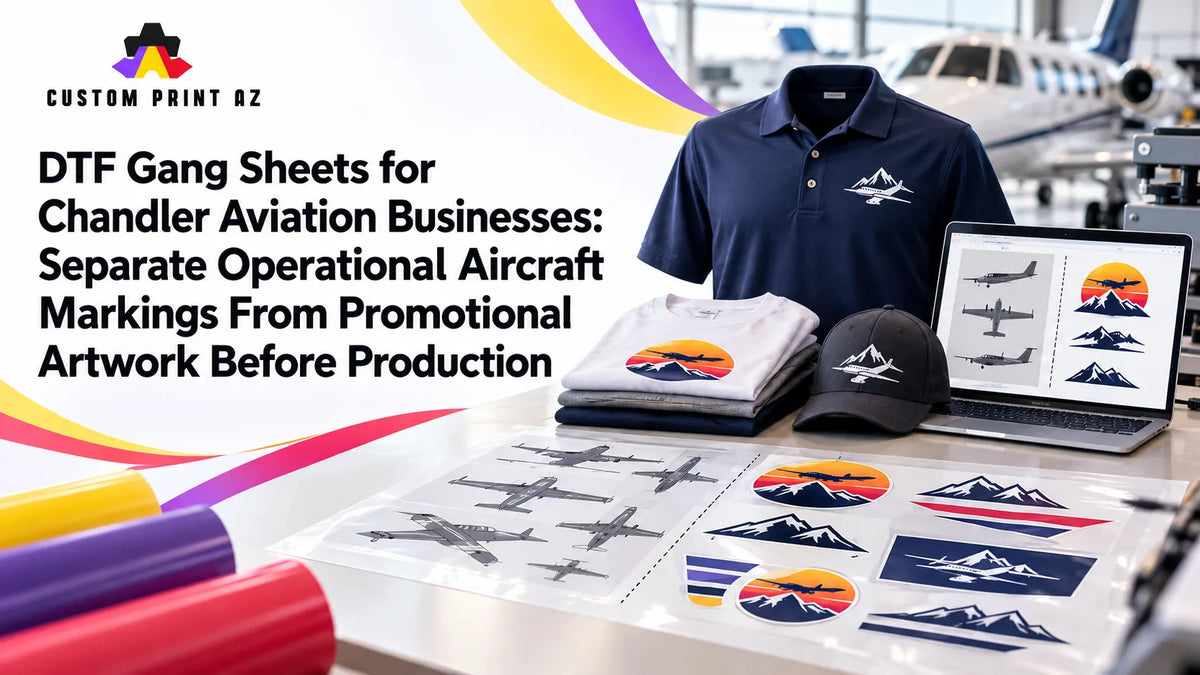
An aircraft photo or existing aviation graphic can be a useful visual reference for branded apparel. The problem is that not every detail visible on the aircraft necessarily belongs in the final shirt, hoodie, or staff-apparel artwork.
A reference image may show company branding alongside registration-style text, small operational-looking labels, warning-style copy, maintenance-related details, or other markings. Some of those elements may be intentionally included in a promotional design. Others may simply be visible because they happen to appear on the aircraft being used as a reference.
For DTF production, that creates an important question: Was this element actually selected for the promotional artwork, or is it only part of the aircraft reference?
Chandler provides a practical local setting for this problem. The City of Chandler's Airpark Area data reports 506 businesses and 14,470 jobs in the district, based on the Maricopa Association of Governments (MAG) 2025 Employer Database. The city also identifies aviation and aerospace as one of its key industry sectors, with local companies operating in areas including aircraft components, parts, maintenance, repair, and related aviation services.
That local context does not mean those businesses use a particular apparel workflow or work with Custom Print AZ. It does show why aviation-oriented branding and promotional artwork are realistic business scenarios in Chandler.
When preparing a DTF gang sheet, a more controlled production approach is to treat the aircraft reference and the approved promotional artwork as two different things.
A Reference Image Is Not Automatically Final Promotional Artwork
An aircraft photograph can communicate color, silhouette, logo placement, and the overall character of a brand. It can be valuable during the creative process without becoming the final production file.
The distinction matters because every visible element in a photograph has not necessarily been approved for apparel. A small piece of text may be physically present on the aircraft but irrelevant to the promotional design. A marking that is barely noticeable in the photo could become visually prominent if it is redrawn and enlarged for a shirt.
The first production question should therefore not be, “What can we see in the image?” It should be, “Which elements were intentionally selected for the final promotional artwork?”
The print-production team should not interpret aircraft regulations or invent rules about which markings belong on an aircraft. Its job is narrower: make sure the artwork entering production matches the approved promotional scope.
Break the Aircraft Reference Into Separate Visual Elements
Looking at the entire reference image as one finished design can make accidental copying more likely. A more controlled review starts by separating the visible elements.
Depending on the artwork, those elements might include:
- Primary promotional identity: The company name, approved logo, or brand element intentionally selected for the apparel design.
- Decorative aviation elements: Aircraft silhouettes, abstract wing shapes, or other non-operational graphics used for visual context.
- Reference-only details: Text or markings visible in the source image that have not been confirmed as part of the promotional design.
- Unclear elements: Details whose purpose or intended apparel use cannot be determined from the reference alone.
This is not an aviation-industry classification system. It is simply an internal artwork-review method that helps prevent “visible in the reference” from being mistaken for “approved for the shirt.”
Do Not Treat “It Is on the Aircraft” as Production Approval
The presence of an element on the aircraft is not, by itself, an instruction to reproduce that element on apparel.
A company logo may clearly be intended as part of the promotional design. A nearby code, label, or other small marking may have been captured in the same photograph without having any role in the apparel artwork.
If those two categories are not separated before production, reference-only information can become part of the final design simply because someone traced, recreated, or copied everything visible in the source image.
The cleaner workflow is to use a final artwork file that contains only the elements intentionally selected for the promotional piece. When a detail is uncertain, confirming it with the artwork owner or company contact is better than guessing from the photograph.
Use Approved Source Artwork Instead of Treating the Photo as the Master File
An aircraft photo can remain a useful design reference while the final gang sheet uses a separate production-ready artwork file.
That separation matters because photographs can introduce several problems:
- Perspective can change the apparent shape of logos or text.
- Small lettering may not be clearly readable.
- Reflections, shadows, and lighting can change apparent colors.
- Unwanted aircraft details may remain visible around the intended branding.
If a designer creates a new promotional graphic from a photo or other aircraft reference, the finished composition should become its own approved production asset rather than forcing the production team to reinterpret the reference every time the gang sheet is rebuilt.
If that artwork changes after approval, use a clear artwork revision and change-control workflow so the previous version does not accidentally return to production.
Use an Include, Exclude, or Verify Review for Unclear Details
When an aircraft reference contains several small or ambiguous elements, a simple three-status review can clarify the artwork scope before layout begins.
- Include: The element is intentionally part of the promotional design.
- Exclude: The element appears in the reference but has been intentionally left out of the apparel artwork.
- Verify: The team does not yet have enough information to decide whether the element belongs in the design.
These labels are not regulatory categories and should not be interpreted as aviation standards. They are practical internal production labels.
The important rule is that a “Verify” item should not become an “Include” item simply because a designer thinks it looks appropriate. The missing decision should be resolved before the artwork reaches the gang sheet.
Do Not Turn Promotional Artwork Into an Accidental Technical Illustration
Aircraft-inspired apparel does not always need to reproduce every small real-world detail of the aircraft.
A silhouette, simplified aircraft shape, approved company logo, or intentionally designed aviation graphic may provide all the visual context the promotional piece needs. Recreating small details from the reference simply because they are visible can make the artwork more complicated without making it more useful.
It can also increase the number of elements that need to be verified.
That does not mean the print shop should decide which aircraft details to redesign or remove. Creative simplification should follow the approved artwork direction. The production team should preserve the intended design rather than independently changing aircraft identity or branding.
Ask Whether a Detail Belongs Before Asking Whether It Will Print
A small element may be technically printable and still have no reason to appear in the promotional design.
That is why content-scope review should happen before detailed sizing and readability review.
If a reference-only marking was added by mistake, spending time determining whether it can be printed clearly at two inches wide does not solve the real problem. The first question is still whether that detail belongs in the artwork at all.
Once the correct promotional composition has been confirmed, final dimensions can be checked separately. The guide to gang sheet design size and final transfer size can help keep that measurement step distinct from artwork-selection decisions.
Keep Old References Separate From Current Production Artwork
Aviation businesses may accumulate aircraft photos, older promotional concepts, revised graphics, and previous campaign artwork over time. Those files may still be useful as references, but they should not all appear to have the same production status.
A simple working structure might separate:
- Current approved artwork
- Current reference images
- Archived or previous references
- Files that still need verification
This does not require deleting old material. It simply helps prevent an older aircraft reference or earlier promotional version from being mistaken for the current production asset during a repeat order.
Clean the Source Set Before Building the Gang Sheet
The best time to separate approved artwork from reference material is before the gang sheet becomes crowded with multiple designs.
A practical workflow can follow this sequence:
- Define the current promotional apparel use.
- Open the relevant aircraft or aviation reference.
- Identify which visible elements are included, excluded, or still need verification.
- Confirm or create the final approved artwork file.
- Move reference-only materials out of the active production source set.
- Begin gang sheet layout only after the artwork scope is settled.
This reduces the chance that someone returns to the original aircraft photo during layout and accidentally reintroduces a detail that was already removed from the approved design.
Audit the Final Composite Sheet for Reference-Only Details
A clean source folder helps, but a final gang sheet still deserves its own visual review. Old artwork or an alternate file can be introduced accidentally during layout.
For each aviation design, check:
- Is this the current approved promotional artwork?
- Did any reference-only text or marking reappear?
- Was an unclear detail included without verification?
- Is an older artwork variation still present somewhere on the sheet?
- Does the promotional identity match the approved source?
- If the composition changed, were the final transfer dimensions checked again?
After printing, a separate DTF gang sheet check before cutting can be used for the physical-sheet QA stage.
This Is Not an Aircraft-Marking or Aviation-Safety Guide
Promotional apparel review and actual aircraft marking requirements are different subjects.
This workflow does not determine which markings must appear on an aircraft. It does not interpret FAA requirements, registration rules, warning-label requirements, maintenance standards, or other operational regulations.
The scope is much narrower: determine which elements from a reference have actually been approved for branded apparel before those elements reach production.
If a question depends on aircraft operations, legal compliance, or safety requirements, it should be resolved through the appropriate aviation authority or qualified internal contact rather than through the apparel-production workflow.
Use a Short Release Checklist Before Production
- Is the final promotional use clearly defined?
- Are the reference image and final artwork stored as separate assets?
- Have the intended promotional identity elements been confirmed?
- Have reference-only details been kept out of the production file?
- Were uncertain elements verified instead of guessed?
- Is the current approved artwork in the active production folder?
- Are previous reference versions separated from the active source set?
- Has the final gang sheet been checked for unwanted reference details?
Once those checks are complete, a finished sheet can move to the DTF gang sheet upload step.
Frequently Asked Questions
Should every detail visible in an aircraft photo appear in the shirt artwork?
No. A detail appearing in the reference image does not automatically mean it was selected for promotional apparel. The scope of the final artwork should be confirmed separately.
Should registration-style or operational-looking text be removed?
This workflow does not make regulatory or legal decisions about specific aircraft markings. If it is unclear whether a visible detail is intended for the promotional design, confirm it with the artwork owner or appropriate company contact before production.
Can an aircraft photo be used directly as the gang sheet artwork?
It can be used if the photograph itself is the intentionally approved final artwork. If the photo is only a reference for creating a new promotional graphic, the finished composition should be reviewed and treated as its own production source file.
Who should decide whether a detail is reference-only or part of the promotional design?
The production team should not invent new brand or aviation rules. The decision should come from the artwork owner, company contact, or other verified instructions connected to the current project.
Do I still need a final gang sheet check if the artwork was already approved?
Yes. An older variation or incorrect source file can still be introduced during layout. A final composite review helps confirm that the approved promotional artwork is the version actually placed on the sheet.
Verify the Promotional Artwork Scope Before You Build the Sheet
Chandler's Airpark and aviation-and-aerospace business environment provides a real local context for aircraft-inspired branded apparel. But a real-world aircraft reference and a final promotional design are not automatically the same asset.
Separate the reference into its visible elements, confirm which pieces actually belong in the promotional artwork, avoid guessing about unclear details, and keep the approved production file separate from reference material.
That creates a cleaner DTF gang sheet workflow: not one that reproduces everything visible on an aircraft, but one that carries only the artwork intentionally approved for the apparel being produced.


