

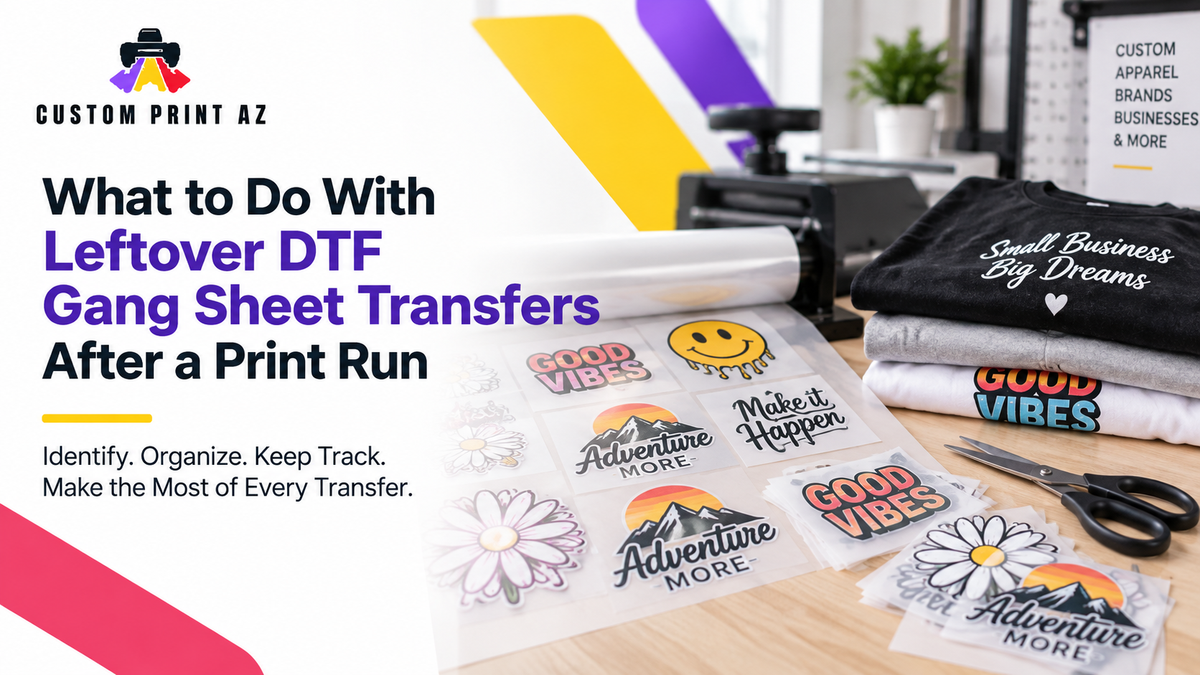
Not every transfer on a DTF gang sheet has to be used in a single production run. When the job is finished, you may have a few copies of the same design left over, a logo in a different size, or other artwork that simply was not needed that day. The problem is not that these transfers remain. The problem starts when, later on, it is no longer clear what each transfer belongs to.
Instead of treating everything left after production as one pile of extra transfers, it can help to identify what you have and how many pieces remain. That gives you a clearer picture of what is already available when another production need comes up or before you place another order.
This becomes especially useful when a DTF gang sheet contains repeated artwork, multiple sizes of the same design, or several different designs. The goal is not to redesign the gang sheet. It is to preserve enough context after production so the remaining transfers still make sense later.
What Is a Leftover DTF Transfer?
In this guide, a leftover transfer is an individual DTF transfer that was prepared for a production run but was not used by the time that run was completed.
A transfer being left over does not automatically make it waste, and it does not automatically mean it will be useful for a future job. First, you need to know which artwork it belongs to, whether it needs to be distinguished from another version, and how many matching pieces are actually left.
That makes a more useful post-run question: Which transfers are left, which version or size do they belong to, how many are there, and is there already a known use for them?
Start by Identifying What Is Left After Production
Once a production run is complete, separating unused transfers by artwork or design can make them easier to understand later. If several designs came from the same gang sheet, combining every remaining piece into one total count may not tell you much.
For example, suppose eight transfers remain. Five are one logo, two are a different size of that same artwork, and one belongs to another design. Writing down that you have “eight transfers left” does not tell you what is actually available. You really have several distinct groups with different potential uses.
A simple post-run check can account for:
- the artwork or design identity,
- different versions that need to remain distinguishable,
- different transfer sizes of the same artwork,
- the number of pieces remaining in each group,
- and any known upcoming use.
You do not need to turn this into a complicated inventory system. The goal is simply to keep enough information with the leftover transfers that you do not have to guess what they are later.
Keep Different Versions of the Same Artwork Distinct

Transfers that look very similar can easily become one group after production. The same artwork may have been prepared at different sizes, or more than one version of a design may exist.
When sorting leftover transfers, it can therefore be useful to look beyond the general design name. If version or size differences matter, keep those differences visible.
For example, if the same logo exists in two transfer sizes, a note that says “6 logos left” may not provide enough information. Recording the remaining quantity for each relevant size or version makes it easier to understand what you actually have when another job comes up.
This is not a guide to choosing a new transfer size or deciding which dimensions are best for a garment. Size is being used here only as an identifier when similar leftover transfers need to be distinguished from one another.
Check the Remaining Quantity After the Run
Once production is finished, recounting the transfers that are physically left can help give you a clearer picture of the quantity currently available.
The purpose is not to calculate a production error rate or evaluate production performance. You are simply trying to answer one practical question: How many transfers of this specific artwork or version are actually left right now?
If several designs are involved, recording the remaining quantity by artwork or version is more useful than combining everything into one number. A simple note could look like this:
- Artwork A — Version 1 — remaining quantity
- Artwork A — different size — remaining quantity
- Artwork B — remaining quantity
- Artwork C — quantity intended for a known upcoming use
This does not require special software. What matters is that when you return to the transfers later, you can understand what each group represents and how many pieces you recorded as remaining.
Note a Known Next Use When There Is One
Some leftover transfers may already have a known purpose in an upcoming job. Others may simply remain after production without a specific next use.
Keeping those situations separate can make your notes more useful. If you already know that the remaining transfers for a particular artwork are expected to be used in another production run, you can associate that information with the transfer group.
On the other hand, “we might use these someday” does not need to become a firm forecast. This process is not about predicting future demand. It is simply about making a known next use visible when one already exists.
That distinction keeps the workflow practical. You are documenting what you know about the transfers rather than trying to predict every future apparel order.
Confirm That the Artwork or Version Matches the New Job
Before using leftover transfers in a later production run, check that the pieces actually match the artwork or version required for the new job.
Artwork can change between runs. If a design was revised after the original production job, transfers from the earlier run may still be physically present. In that situation, knowing that “we still have this logo” is not enough by itself. It is more useful to confirm that the transfer you have is the same version needed for the current production requirement.
This does not mean an older transfer is automatically usable or unusable. The point is narrower: confirm that the transfer in hand and the artwork required for the new job represent the same version before treating that leftover piece as available for the job.
How Detailed Should Your Leftover Transfer Notes Be?
More detail is not automatically better. Your notes only need enough information to help you recognize the correct transfer group later.
A simple leftover transfer note might include:
- artwork or design name,
- version information when needed,
- transfer size when needed,
- remaining quantity,
- and a known next use, if one exists.
You do not need a complicated coding system for every transfer. If you only have a few clearly different designs, the design name and remaining quantity may be enough. When several pieces look similar or the same artwork exists in multiple sizes or versions, an additional identifier can reduce confusion.
A simple test is to look at the note as if you were returning to the job later. Would you immediately know which group of transfers it describes, or would you have to guess? If you would have to guess, adding one more identifying detail may help.
Check What You Have Before Planning Another Gang Sheet
When another production need comes up, you may already have transfers from the same artwork or version left from an earlier run. Checking those pieces before evaluating a new quantity can give you a clearer starting point.
This does not mean leftover transfers should automatically be used for the new job. First, confirm that the artwork, version, and size when relevant match what the new production run requires.
For example, if a new run requires the same artwork and your post-run notes show that matching transfers remain from the previous job, that information can be considered when you determine what is needed next.
There is no reorder formula required here. The principle is simpler: before deciding on a new quantity, check how many matching transfers you already have.
A Simple Post-Run Leftover Transfer Workflow
You can keep the process straightforward. After production is complete:
- Identify the transfer pieces that were not used.
- Separate them by artwork or design.
- Keep different versions or sizes distinct when those differences matter.
- Check how many pieces remain in each group.
- Note a known next use when one already exists.
- Before using the transfers later, confirm that the artwork or version matches the new job.
- Before planning a new quantity, review the matching transfers you already have.
The goal is not to make leftover transfers into a separate production project. It is to preserve a few basic details so you do not have to reconstruct their identity later.
What This Workflow Does Not Cover
This is not a DTF transfer storage guide. It does not establish rules for storage temperature, humidity, packaging, or how long transfers should be stored. Those questions involve physical storage and handling considerations that are outside the scope of this workflow.
This is also not a blank garment or finished-apparel inventory guide. Deciding how many garments to keep in stock, how much finished merchandise to hold, or how to forecast future sales demand are separate problems.
Finally, this is not a general reorder strategy. Reordering is only one reason it can be useful to know what remains from an earlier production run. The main goal here is to understand which transfers you already have before making the next production decision.
Frequently Asked Questions About Leftover DTF Transfers
What should I do with unused transfers from a DTF gang sheet?
Start by identifying which artwork or design each transfer belongs to. Separate different versions or sizes when needed, check the remaining quantity for each group, and note any known upcoming use.
Can I track all leftover DTF transfers as one total quantity?
If every piece is the same artwork, version, and relevant size, one count may be enough. If you have multiple designs, versions, or sizes, separate counts provide a clearer picture of which transfers are actually available.
Should different sizes of the same artwork be kept separate?
If the size difference will matter when the transfers are used later, keeping them separately identified can help. This does not determine which size should be used; it simply prevents different leftover transfer groups from being confused with one another.
Should I check leftover transfers before ordering another gang sheet?
If you have transfers remaining from the same artwork or version, reviewing them before evaluating a new quantity can be useful. Confirm that they match the new production need first, then consider what you already have when determining what is still needed.
Does this workflow tell me how long DTF transfers can be stored?
No. This workflow focuses on identifying the transfer, distinguishing relevant versions or sizes, recording the remaining quantity, and noting a known next use. Physical storage conditions and shelf life are outside the scope of this guide.
Finish the Production Run Knowing What Is Left
If unused transfers remain when a production run is finished, keeping a few basic details can make the next job easier: which artwork is left, which version or size it belongs to, and how many pieces remain.
If there is already a known next use, recording that context can make the leftover pieces easier to understand later. When another job arrives, you can then confirm that the transfer matches the artwork or version currently required instead of relying on memory.
That gives you a clearer starting point when deciding whether another DTF gang sheet is needed. Before planning a new quantity, you can first account for matching transfers that remain from the previous production run.


