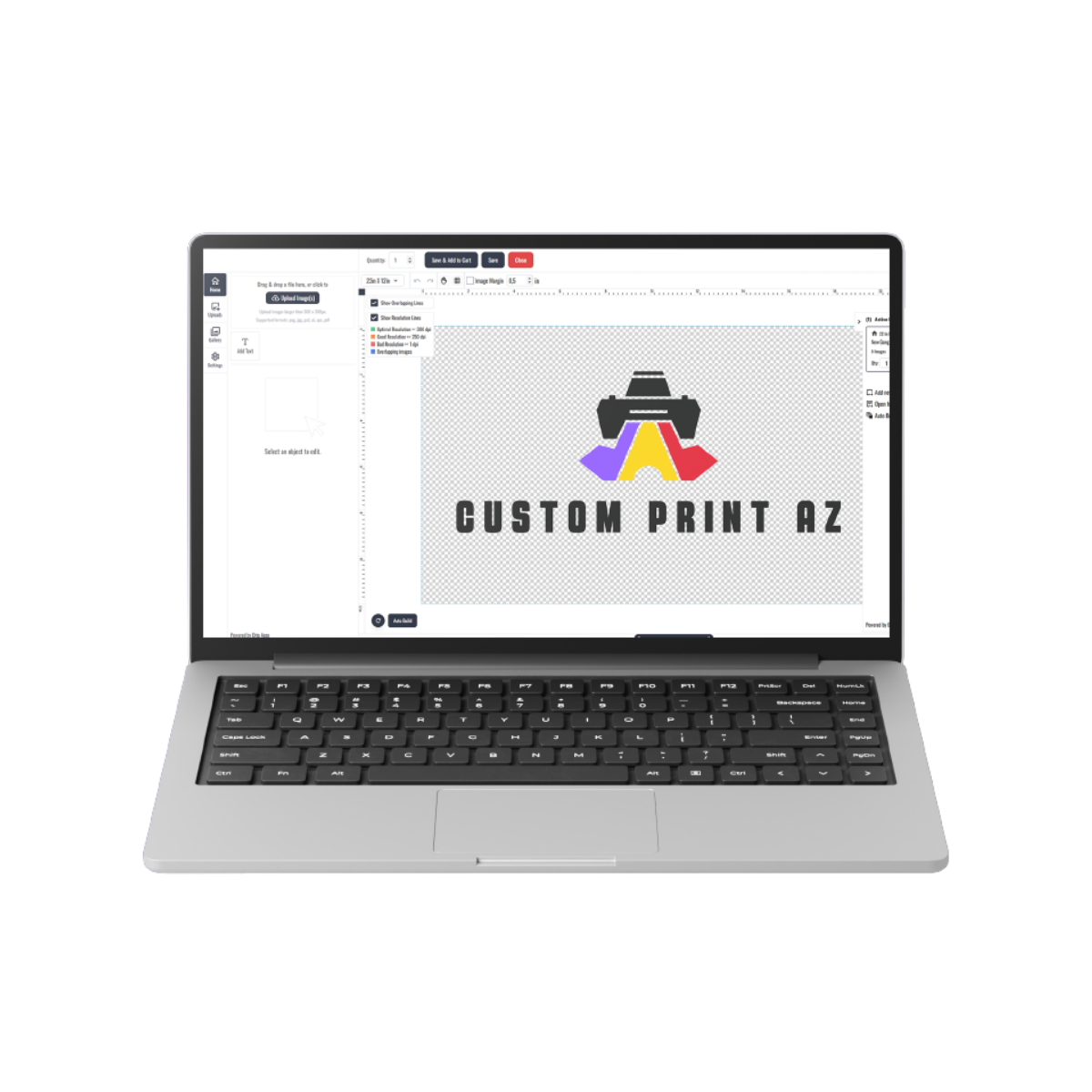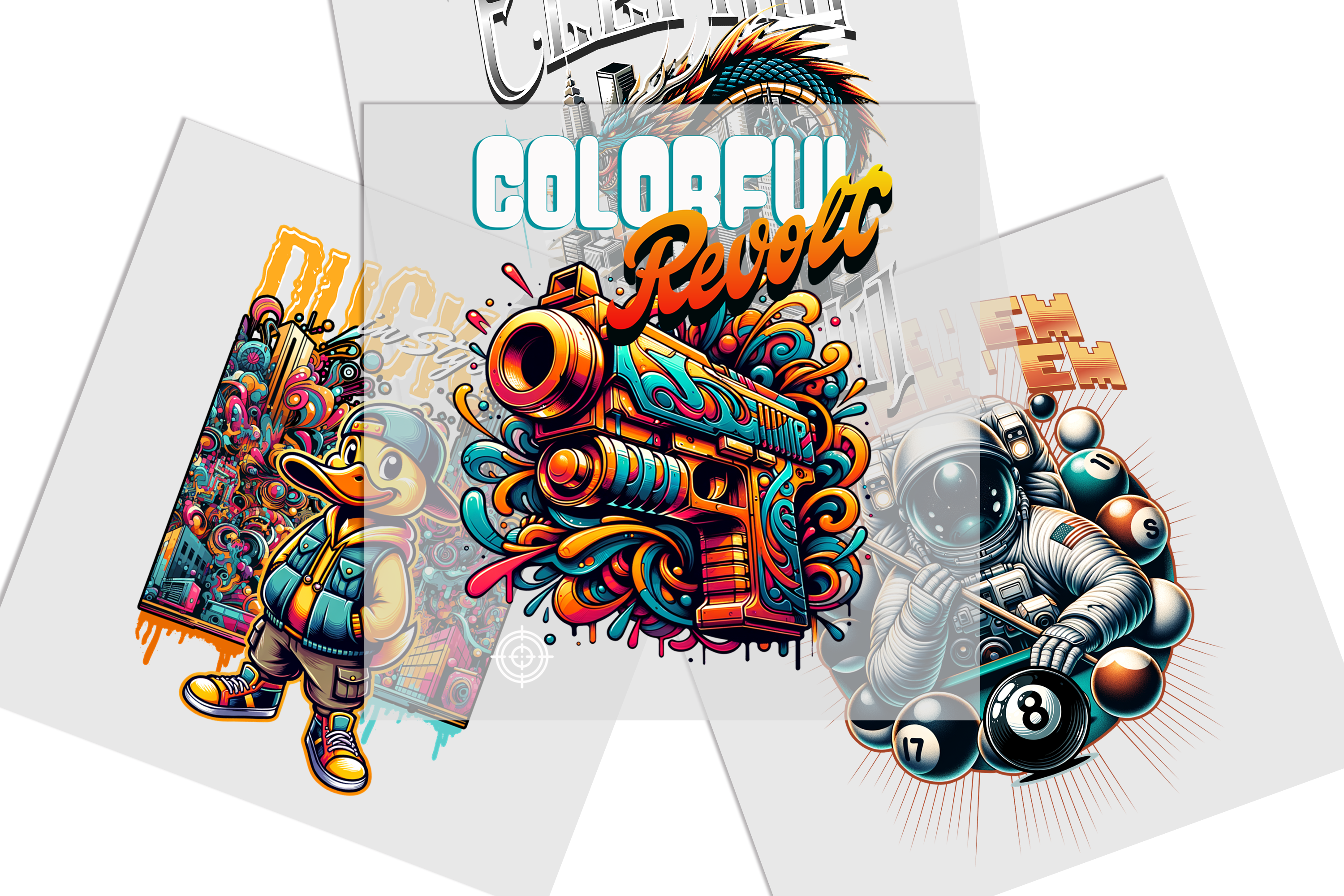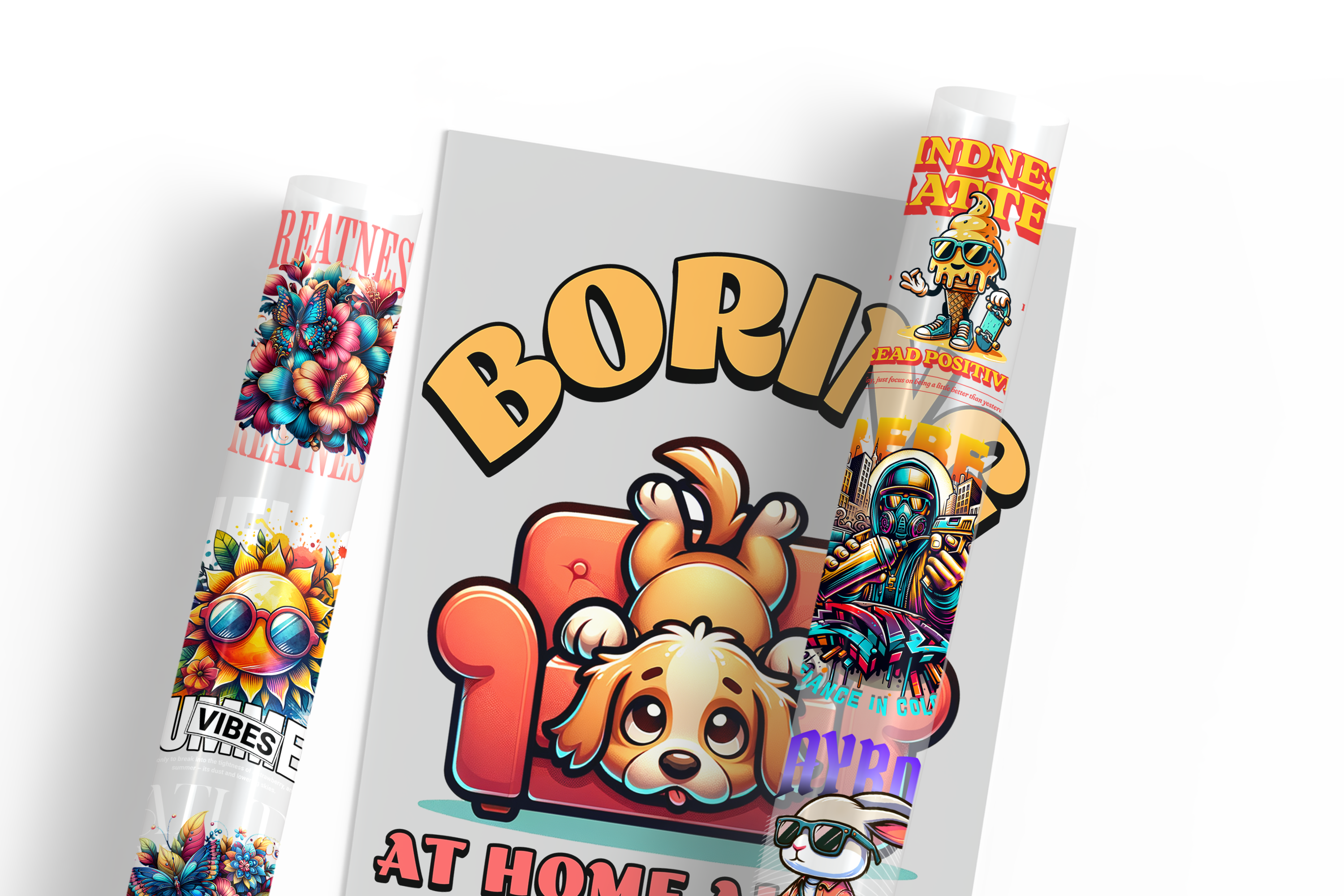
Quick DTF Transfer options help apparel decorators order prepared transfers for time-sensitive production plans. Choose the correct size, garment placement, order quantity, and artwork quality before checkout. It supports shirts, hoodies, bags, uniforms, and other compatible textile projects.
Choose the Right Transfer Format
Start with the garment type and available print area. Small designs suit chest or sleeve placements, while larger formats work for front or back graphics. Browse DTF transfers for custom apparel when comparing additional transfer options.
Quick Buying Guide Quick DTF Transfer
Measure the intended placement before selecting dimensions. Confirm that the fabric can tolerate the required heat, pressure, and application process. Match quantities to garment counts, testing needs, and production extras. Use clear, high-resolution artwork with transparent backgrounds, clean edges, and readable details at the final print size.
For workflow tools, review DTF supplies for printing workflows. Projects involving suitable smooth, rigid surfaces may require UV transfers instead. Wikipedia provides a general direct-to-film printing overview.
Frequently Asked Questions
A Quick DTF Transfer is prepared for an efficient ordering workflow while still requiring correct sizing, artwork, garment, and application choices.
Suitable fabrics depend on the product instructions, garment construction, and the material’s ability to handle the required heat and pressure.
Provide high-resolution artwork with clean edges, accurate transparency, correct proportions, and readable details at the requested transfer dimensions.
Contact Custom Print AZ for product selection, sizing, bulk orders, custom artwork, and application support.
Phone: (480) 250-4263
Email: info@customprintaz.com
Address: 3411 East Corona Avenue Suite 108, Phoenix, AZ 85040