

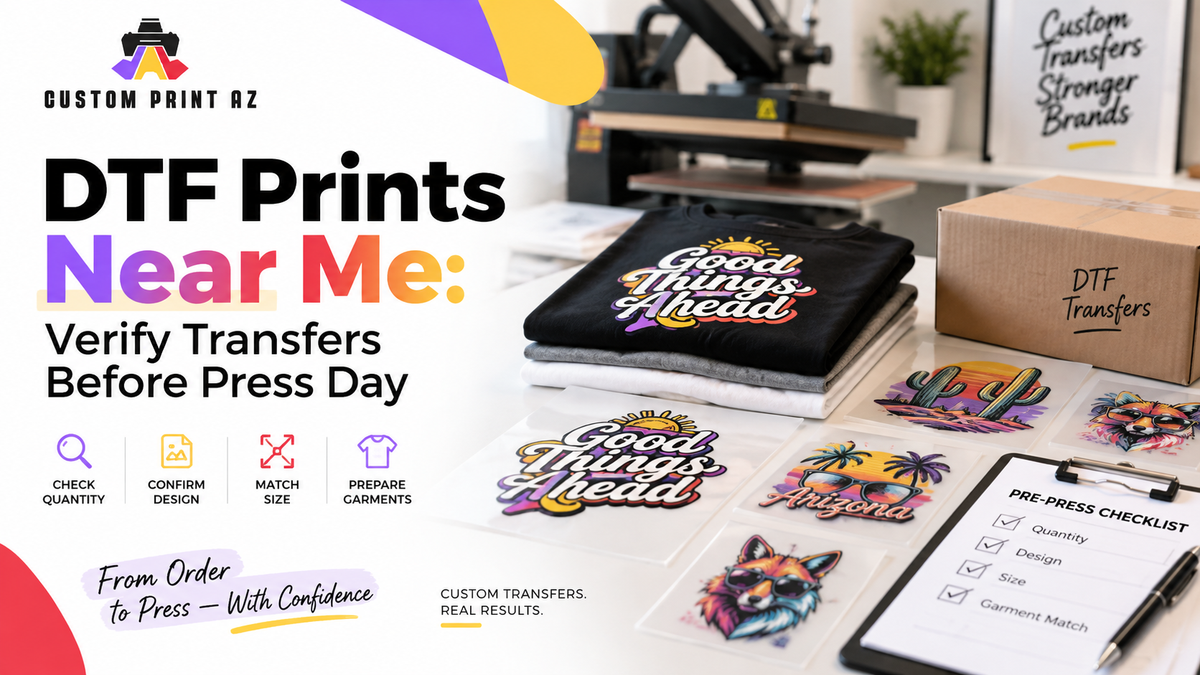
Searching for “DTF prints near me” often means you are close to placing an order. Your artwork may already be finished, the garment count may be roughly planned, and the next step may seem simple: order the transfers and start pressing when they arrie.
But receiving the transfers does not automatically mean the production job is ready to run.
Some problems that can show up on press day can be caught earlier with a simple verification step. The transfer count may not match the quantity you expected. Two similar design versions may be mixed together. The same artwork may have been ordered in multiple sizes, or it may not be obvious which transfer belongs with which garment group.
Before the first garment goes under the press, compare the delivered transfers with the production plan you intended to run. The goal is not to create a complicated quality-control system. It is to make sure the physical transfers in front of you match the job you are preparing to produce.
Start With the Order Plan, Not the Press
When a DTF transfer order arrives, it can look complete simply because the printed pieces are physically there. The more useful question is not “Did the transfers arrive?” but “Do these transfers match the apparel job I planned?”
Before pressing begins, bring the basic production information back into view. That may include:
- the design or artwork version being used,
- the required transfer size for each design,
- the quantity needed for each design and size combination,
- the garment group each transfer belongs to,
- and any front, back, or other placement differences.
You do not need a complex tracking system for every order. You do need one clear reference that lets you compare the transfer order with the garment plan before production starts.
That matters most when several designs, sizes, or garment groups are involved. Relying only on memory or on file names can make similar transfer groups harder to distinguish once production is moving.
1. Check Quantity by Design and Size
Quantity verification is more than counting the total number of transfers in the order.
If you ordered only one design in one size, a total count may be enough. But when the order contains multiple designs, transfer sizes, or artwork versions, each group should be checked separately against the quantity you planned to press.
For example, a job might contain 40 transfers in total. That total could be made up of 12 small logos, 18 standard logos, and 10 back graphics. Knowing that “40 transfers arrived” does not tell you whether each required group is complete.
Compare the physical transfer groups with the garment count they are supposed to support. If one group does not match the plan, separate it before the press run begins.
The purpose is not to assign fault or assume the order was produced incorrectly. It is simply easier to investigate an unclear quantity before production starts than after several garments have already been completed.
2. Separate Similar Design Versions
Artwork may have been organized correctly when the order was placed, but physical transfers can still look very similar when they are laid out together.
This can happen with:
- old and updated logo versions,
- event graphics with different dates,
- designs that differ only by a name or small text change,
- or multiple customer variations based on the same artwork.
Before pressing begins, match each transfer group to the artwork reference you intended to use.
This is not a second artwork-approval process. The design has already been submitted and printed. The goal is simply to confirm that the physical transfer being staged for the job is the correct version.
If two versions are easy to confuse, keep them physically separated. The production table should not become the place where an operator has to decide which version “looks right.”
3. Match Transfer Size to the Garment Plan
A correct design can still be assigned to the wrong production group if the transfer size is not clear.
The same artwork may be ordered in more than one size for different garment groups or placements. When those transfers are visually similar, choosing by eye during pressing can create unnecessary uncertainty.
Separate the transfer sizes before production and connect each size to the garment group it was intended for.
It also helps to treat garment size and transfer size as different pieces of production information. A garment labeled Small, Medium, or Large does not automatically tell you the dimensions of the artwork that should be applied to it.
This article is not a placement or sizing guide. The important point is that whatever sizing decisions were made before ordering should still be visible when the physical transfers are prepared for production.
4. Check the Garments as Part of the Same Job
The transfer order can be correct while the garment side of the job is still not fully staged.
Before pressing, confirm that the required blank garments are available for the transfer groups you just verified. If the job includes different garment colors, styles, sizes, or production groups, make sure the relationship between the garment and the transfer is clear.
A simple production connection should be visible:
This transfer group → this garment group → this placement.
When that relationship is already established, the operator does not have to stop at the press and ask which transfer belongs on which garment.
This step is about organization rather than fabric compatibility or technical pressing settings. Those are separate subjects. Here, the objective is only to make sure the correct physical materials are grouped together before the first application begins.
What Does Press-Ready Staging Actually Mean?

Press-ready staging does not mean placing every transfer and blank garment on the same table.
It means organizing the verified materials so the job can move from receiving into production without unresolved questions.
A simple staging sequence can look like this:
- Verify the transfer quantities.
- Separate different design versions.
- Separate transfer-size groups.
- Match each transfer group to the correct garment quantity.
- Make placement or job-group differences visible.
- Keep uncertain or unmatched pieces out of the production area.
The last step matters. If you are not sure which job, design, or size a transfer belongs to, do not place it into a confirmed production group just because it probably belongs there.
Separating uncertain material protects the clarity of the material you have already verified.
Ready-to-Press Transfers and a Press-Ready Job Are Not the Same Thing
In this workflow, “ready-to-press” refers to a transfer ordered for the garment-application stage. That does not mean the entire production job has already been staged correctly for quantity, design, size, and garment matching.
You can have a ready-to-press transfer and still have an unorganized job.
For example, the transfer itself may be ready for application, but you may still need to determine whether it belongs with the first garment group, a different artwork version, or another transfer-size set.
If you want more context on how ready-to-press transfers fit into a broader apparel-production workflow, you can review this guide to ready-to-press DTF transfer workflows.
The focus here is narrower: verifying the delivered order before the first garment is pressed.
Keep Uncertain Transfers Out of Production
If part of the order does not clearly match your plan, stop that group before it reaches the press.
An unclear situation might include:
- a physical transfer count that does not match the expected quantity,
- two design versions that are difficult to distinguish,
- a transfer size with no clear garment assignment,
- missing placement information,
- or a transfer group shown in the job plan that you cannot identify in the delivered order.
None of those situations automatically means the transfer order is wrong. First compare the physical order with your artwork reference, order information, and production plan.
The key rule is simpler: if the relationship is still unclear, do not treat that group as press-ready yet.
A Simple Job and a Multi-Variation Job Need Different Levels of Verification
A small order with one design, one transfer size, and one garment group may require only a short receiving check. Confirm the quantity, confirm the artwork, stage the garments, and move on.
A job with several designs, transfer sizes, or garment groups needs a more visible structure.
That does not mean the process should become bureaucratic. It means the amount of organization should reflect the complexity of the job.
If the order contains three designs in two transfer sizes, it may be more useful to think in six production groups than to think of the shipment as one total transfer count. Each group can then be tied to a clear quantity and garment target.
This is not a gang-sheet efficiency guide. It does not matter here how the designs were arranged on a sheet or how sheet space was optimized. The concern begins after the printed transfers are in your hands and need to be assigned to the correct production groups.
Do a Final Release Check Before the First Press
Immediately before pressing begins, look at the job one more time as a complete production handoff.
You are not re-approving the artwork or comparing suppliers. You are only checking that the required materials and production relationships are clear.
- Are all required transfer groups present?
- Does each group's quantity match the plan?
- Are the design versions clearly separated?
- Are the transfer-size groups identifiable?
- Is it clear which transfers belong to which garment groups?
- Have uncertain pieces been separated from confirmed production materials?
If those questions are resolved, the job is in a better position to move into the first press without basic receiving questions still open.
There is also an important boundary here: once the first garment has been pressed, visual quality control, placement evaluation, and full-run approval become a different production stage. This article stops before that point.
Connect “DTF Prints Near Me” to the Production Job
When you search for “custom DTF prints near me” or “DTF transfer prints near me,” the natural focus is finding a service that can turn your artwork into printed transfers.
But the ordering process becomes more useful when it connects cleanly to the production process that follows.
Once the transfers arrive, reconnect the quantity, design version, transfer size, and garment plan before pressing begins. That keeps a straightforward transfer order from becoming an organization problem at the press station.
If a transfer-only workflow matches how you produce apparel, you can review the available DTF transfer printing options from Custom Print AZ and plan the order around the garment groups you intend to press.
Frequently Asked Questions
Can I start pressing as soon as my DTF transfers arrive?
Before pressing, it is useful to verify that the transfer quantities, design versions, transfer sizes, and garment plan match. A transfer can be physically ready while the overall production job still needs organization.
Is checking the total number of transfers enough?
If the order contains multiple designs or transfer sizes, the total count may not be enough. Each design and size group should be compared with its planned quantity.
What is the difference between a ready-to-press transfer and a press-ready job?
In this workflow, ready-to-press refers to a transfer ordered for the garment-application stage. A press-ready job also requires the correct transfers to be organized with the correct quantities, designs, sizes, and garment groups.
What should I do with a transfer I cannot identify?
Keep it separate from confirmed production materials until you can match it to the correct design, size, or job using your artwork and order references. Do not add it to the pressing sequence while the assignment is still unclear.
Is this the same as gang sheet planning?
No. Gang sheet planning focuses on how artwork is arranged on a sheet. This verification happens after the printed transfers have been delivered and focuses on whether they match the garment-production plan.
Verify the Job Before the First Press
A “DTF prints near me” search may help you find the transfer-ordering route you need, but production readiness does not end when the shipment arrives.
Before pressing begins, use a short verification step to connect quantity, design, transfer size, and garment grouping. That can reduce the need to make basic job-assignment decisions while production is already moving.
The principle is simple: do not move an unverified transfer into production. When each transfer group has a clear garment destination and a clear place in the job plan, the handoff from receiving to pressing becomes much easier to manage.
